Newsletter
Join the Community
Subscribe to our newsletter for the latest news and updates
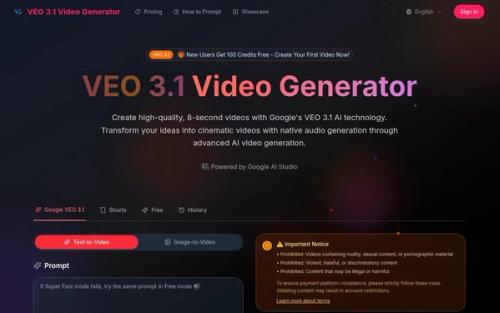
Create high-quality, 8-second videos with Google's VEO 3.1 AI technology. Transform your ideas into cinematic videos with native audio generation through advanced AI video generation.
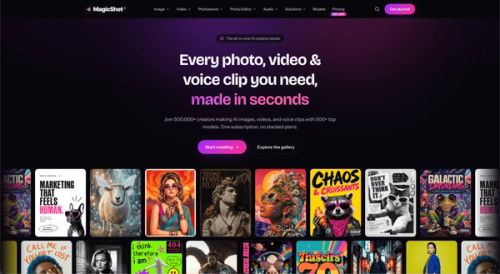
One AI studio for product photos, ad creatives, social content and headshots. 500+ models, 85+ tools, single credit balance. 500,000+ users.
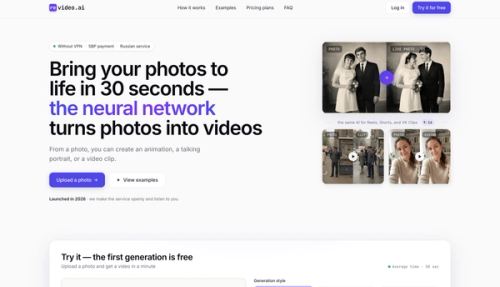
ReVideo.AI is an AI video generator that turns static photos into animated videos, brings old pictures to life, and creates talking avatars with realistic lip sync. Users can make their first generation without registration or entering bank card details.
GCS Cheats is a premium software enhancement platform providing undetected tools for the most popular competitive PC games. We specialize in secure aimbots, ESP, and advanced radar overlays for titles like CoD, Apex Legends, Rust, and EFT.
One AI studio for product photos, ad creatives, social content and headshots. 500+ models, 85+ tools, single credit balance. 500,000+ users.
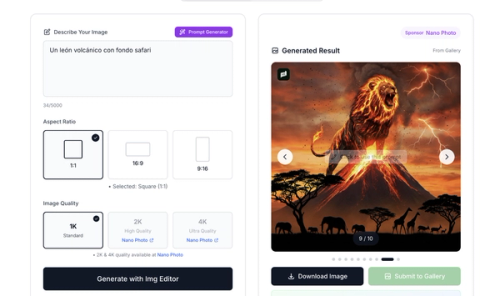
Img Editor is a completely free AI image generation platform that brings the power of advanced AI technology to everyone.
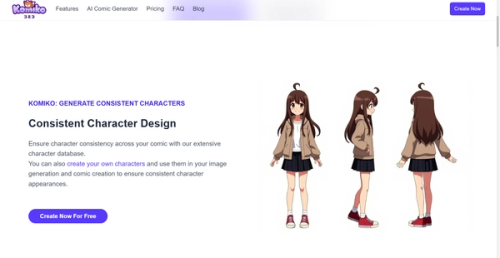
Komiko is a one-stop AI creation platform for comics, manhwa, manga, and animations. Komiko offers a suite of AI-powered tools designed to assist artists and storytellers in bringing their ideas to life with greater efficiency and creativity.
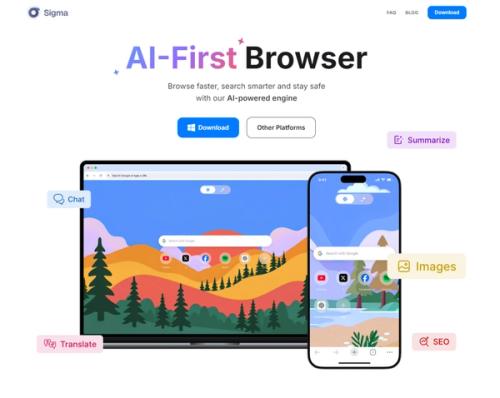
Sigma AI Browser allows people to chat with AI, generate images, summarize articles - for free. All In one Browser It destroys barriers, transforming your online space into a safe and innovative place where privacy, speed and technology come together.
Temporary Mail, often referred to as Temp Mail, is a service that provides users with disposable email addresses.
VEO 3.1 Video Generator is an AI-powered tool that allows users to create high-quality, short videos from text prompts. It leverages Google's VEO 3.1 model to generate cinematic videos with integrated audio, offering a user-friendly interface accessible through Google AI Studio.
What is VEO 3.1 and how does it work? VEO 3.1 Video Generator is powered by Google's advanced AI video generation model. Our VEO 3.1 Video Generator creates high-quality, 8-second videos with native audio generation from simple text descriptions. VEO 3.1 Video Generator excels at physics, realism, and cinematic quality.
Do I need technical experience to use Veo3.1 AI? Not at all! Veo3.1 AI is designed for everyone from complete beginners to seasoned professionals. Simply describe what you want to create in everyday language, and our AI video generator handles the technical aspects for you.
What makes VEO 3.1 different from other video generators? VEO 3.1 Video Generator features native audio generation, exceptional prompt adherence, and state-of-the-art cinematic quality.
Can I download my creations? Subscribers receive unwatermarked, high-resolution downloads with full usage rights for all content from our AI video generator.
Is VEO 3.1 suitable for commercial use? Yes! Videos created with VEO 3.1 Video Generator through Google AI Studio can be used for commercial projects. No watermark.
What audio capabilities does VEO 3.1 offer? VEO 3.1 Video Generator features native audio generation, creating environmental sounds, character dialogue, and atmospheric audio that's automatically synchronized with your VEO 3.1 Video Generator video content.