Newsletter
Join the Community
Subscribe to our newsletter for the latest news and updates
An all-in-one image processing website that offers powerful online tools for editing, generating, and enhancing images — all in one place, no installation required.
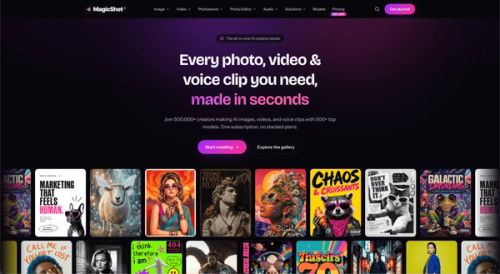
One AI studio for product photos, ad creatives, social content and headshots. 500+ models, 85+ tools, single credit balance. 500,000+ users.
DeskFerry is a no-code AI workforce platform that lets you build autonomous "AI employees" for sales, support, and operations just by describing the job in plain English
Build and deploy powerful Discord bots with AI, not code.
One AI studio for product photos, ad creatives, social content and headshots. 500+ models, 85+ tools, single credit balance. 500,000+ users.
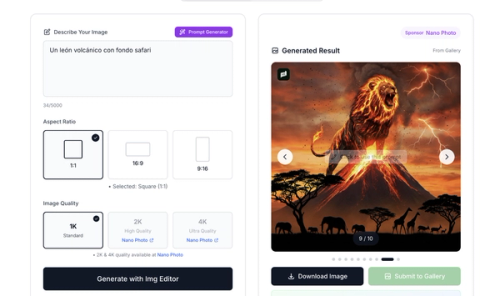
Img Editor is a completely free AI image generation platform that brings the power of advanced AI technology to everyone.
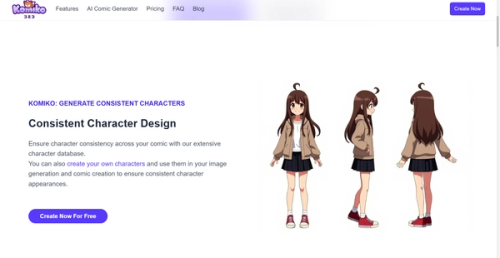
Komiko is a one-stop AI creation platform for comics, manhwa, manga, and animations. Komiko offers a suite of AI-powered tools designed to assist artists and storytellers in bringing their ideas to life with greater efficiency and creativity.
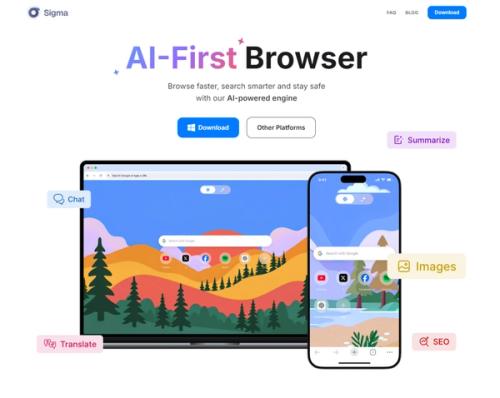
Sigma AI Browser allows people to chat with AI, generate images, summarize articles - for free. All In one Browser It destroys barriers, transforming your online space into a safe and innovative place where privacy, speed and technology come together.
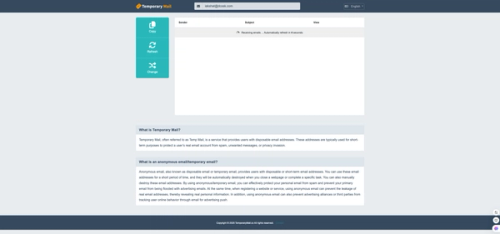
Temporary Mail, often referred to as Temp Mail, is a service that provides users with disposable email addresses.
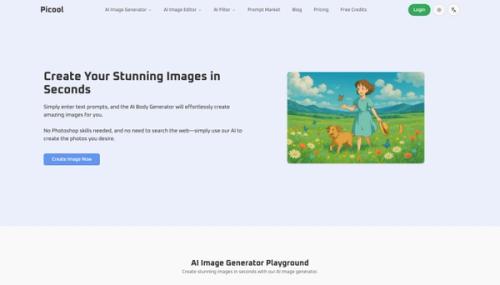
Picool is a super easy-to-use AI tool. Here you will have Image to Image, Text to Image, Remove Background, Watermark Remover, Object Remover and AI FIlter functions, which can help you deal with most of the problems with pictures to a great extent, and use AI to make your pictures better.
Just open picool.ai
Then select the tool you want. There are various functions for processing pictures, which you can use.
You should be as detailed as possible about your needs so that the Text to Image and Image to Image functions can play the greatest effect.
Image to Image: You can upload the image you want to edit and use picool's image to image function to modify your image, such as changing the style of your image or making adjustments to the details of the image.
Text to Image: After using this function, you can generate any picture you want by entering your prompt words. The more detailed the prompt words are, the more the generated picture will meet your needs.
Remove Background: Remove the background of your picture so that there is only you in your picture and remove various objects behind.
Watermark Remover: Remove the watermark from your pictures, making your pictures cleaner and neater without being affected by the hateful watermarks.
Object Remover: Using this function will be more convenient. You can use the brush to select what you want to remove, so that you can directly eliminate the selected object.
Buzz Cut Filter: You will have AI FIlter functions to use, the first of which is this Buzz Cut Filter, which can help you easily change your hairstyle into a buzz cut.
Picool.ai is an ideal choice for designers, marketers, content creators, and AI enthusiasts. You can use picool.ai to handle various image-related issues. The Image to Image function is very suitable for content creators. Even if you are just trying out the AI Image to Image function, you can use it at picool.ai.